
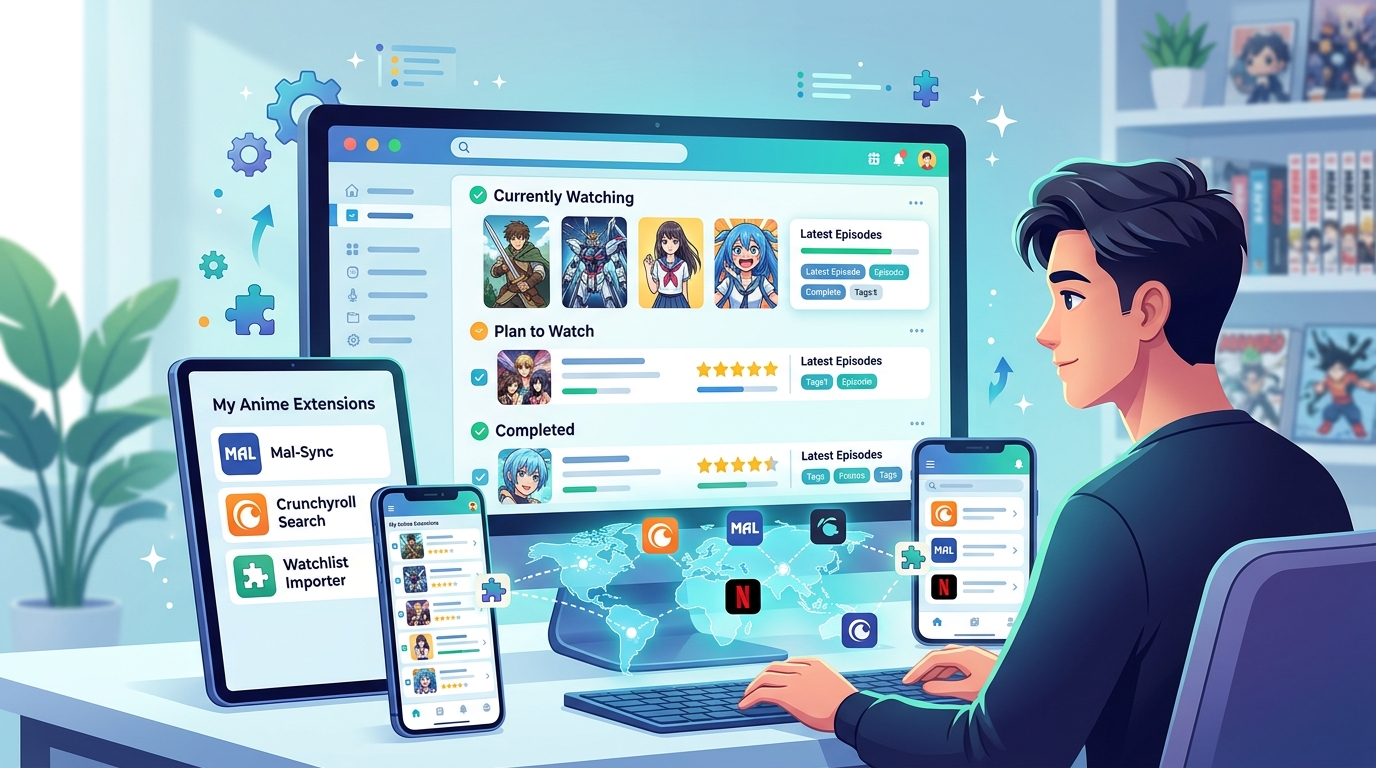
Keeping track of anime across multiple streaming platforms can feel like a full-time job. You start a series on Crunchyroll, bookmark something on Netflix, remember a friend’s recommendation from last month, and suddenly you’ve got dozens of shows scattered everywhere with no clear plan.
An anime watchlist app centralises your viewing queue across platforms like Crunchyroll, Netflix, and Funimation. The best tools offer cross-platform syncing, episode tracking, release notifications, and personal rating systems. Choose based on your preferred platforms, mobile needs, and whether you want community features or simple private lists. Most popular options include [MyAnimeList](https://en.wikipedia.org/wiki/MyAnimeList), AniList, Kitsu, and dedicated browser extensions.
Why You Need a Dedicated Anime Tracker
Streaming platforms don’t talk to each other. Your Netflix continue watching list has no idea what you’re binging on Crunchyroll. Funimation won’t remind you that the new season of your favourite show just dropped on HIDIVE.
A proper anime watchlist app solves this by creating one master list. You get a single place to see everything you’re watching, plan to watch, or dropped halfway through season two.
These tools also track episodes automatically. No more wondering “was I on episode 12 or 13?” when you come back to a series after a week away.
Release calendars become manageable too. Instead of checking five different platforms for new episodes, your tracker shows everything in one timeline.
Top Anime Watchlist Apps Compared
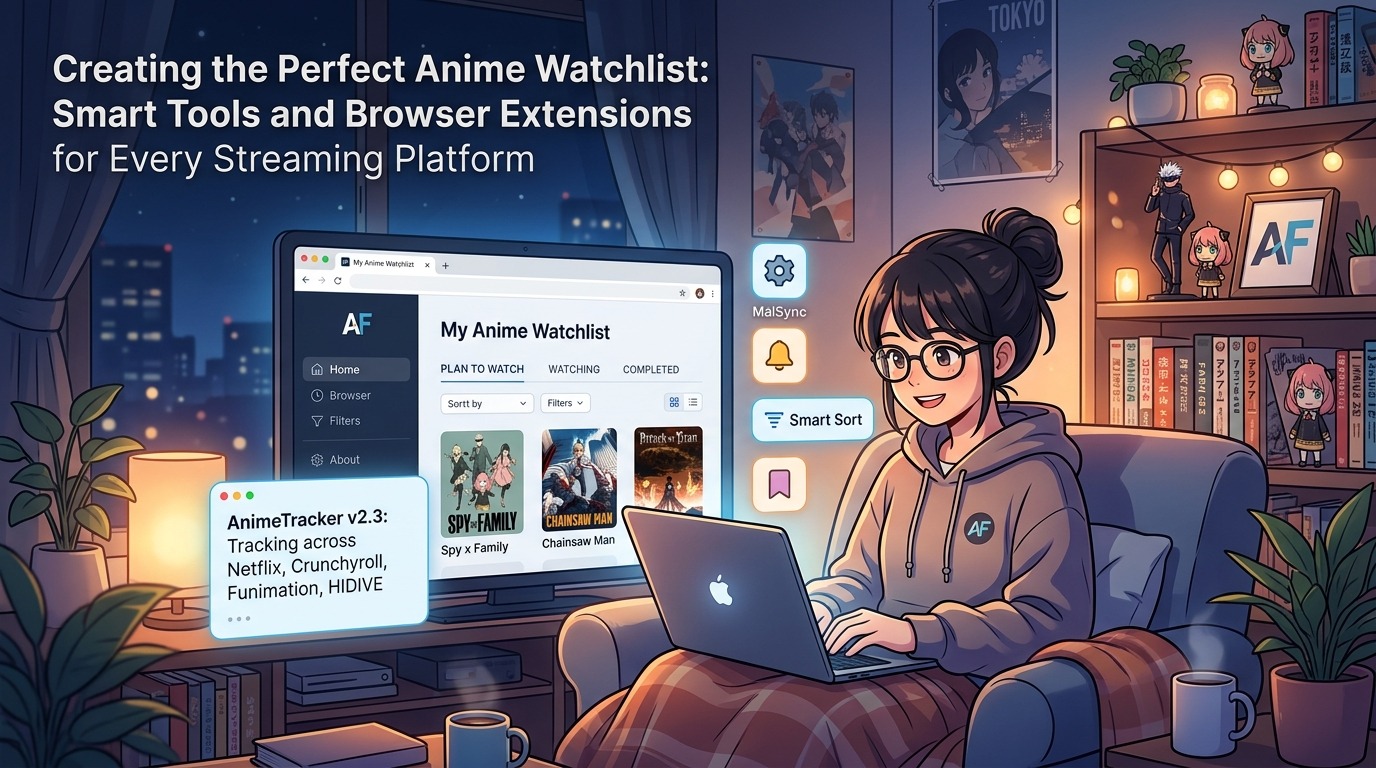
Different trackers serve different needs. Some focus on social features, others prioritise clean interfaces, and a few specialise in detailed statistics.
| App Name | Best For | Platform Support | Standout Feature |
|---|---|---|---|
| MyAnimeList | Comprehensive database | Web, iOS, Android | Largest community and reviews |
| AniList | Modern interface | Web, iOS, Android | Customisable lists and tags |
| Kitsu | Social features | Web, iOS, Android | Activity feed and reactions |
| Simkl | Multi-platform tracking | Web, iOS, Android, TV | Tracks anime, TV, and films together |
| Trakt | Universal media tracking | Web, iOS, Android | Automatic scrobbling from players |
MyAnimeList remains the most popular choice. The database covers practically every anime ever made, from obscure OVAs to current seasonal releases. The community adds detailed reviews and recommendations based on what you’ve already watched.
AniList attracts users who want more control over their lists. You can create custom tags, organise shows by studio or genre, and adjust the interface colours to match your preferences. The scoring system lets you use decimals instead of whole numbers if you’re particular about ratings.
Kitsu emphasises the social side. You can follow other users, react to their posts, and see what your friends are watching in real time. The recommendation engine learns from your viewing patterns and suggests shows that match your taste.
Browser Extensions That Sync Your Viewing
Browser extensions add tracking buttons directly to streaming sites. You can mark episodes as watched without leaving Crunchyroll or Netflix.
MAL-Sync works with MyAnimeList and AniList. When you finish an episode on any supported streaming site, a small popup appears asking if you want to update your progress. One click and you’re done.
The extension supports:
- Crunchyroll
- Netflix
- Funimation
- HIDIVE
- VRV
- Wakanim
- AnimeLab
Crunchyroll Essentials adds extra features to Crunchyroll specifically. You get a better player interface, skip intro buttons, and automatic tracking to your chosen list service.
AnimeTrackr focuses on release notifications. It monitors your watchlist and sends desktop notifications when new episodes become available. You can filter by specific days or only get alerts for shows you’re currently watching.
Setting Up Your First Watchlist
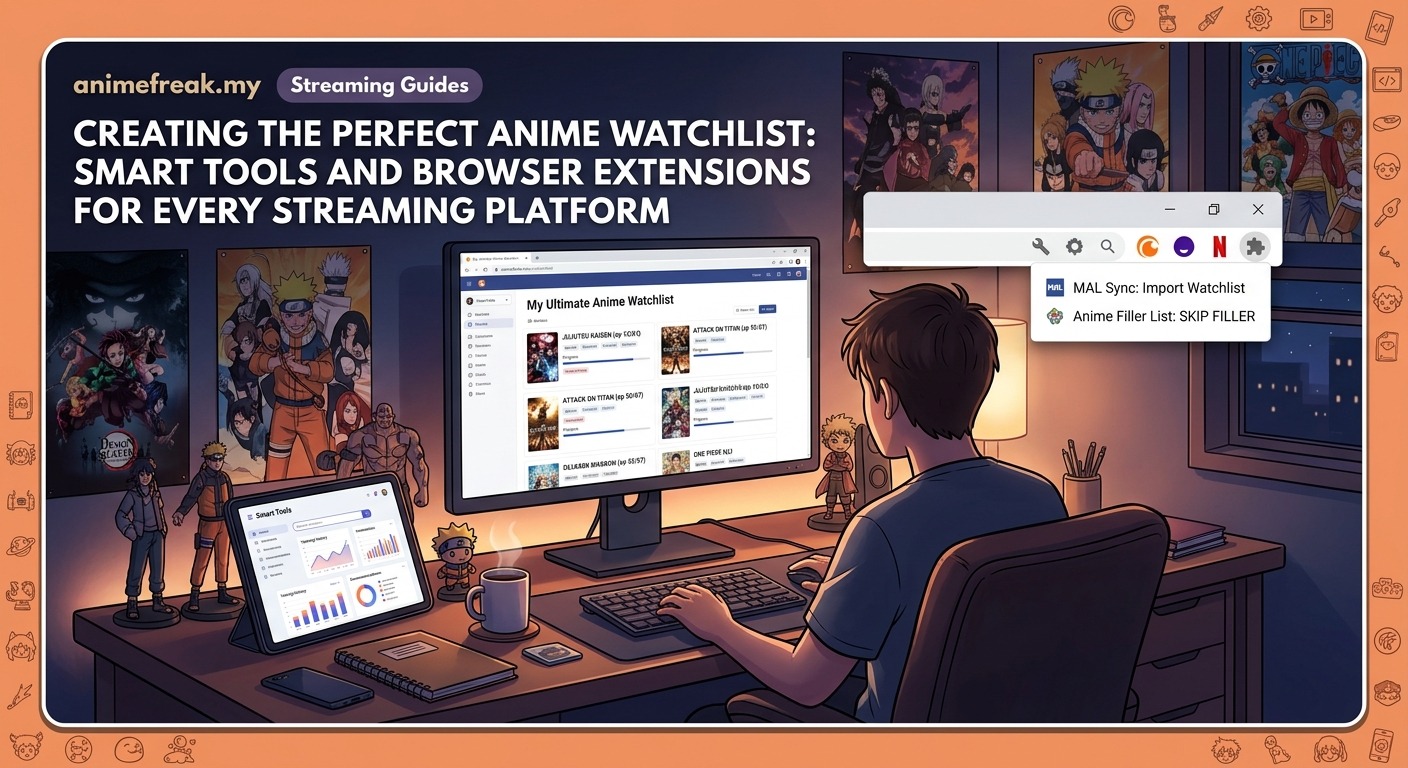
Getting started takes about 15 minutes if you already know what you want to watch.
- Create an account on your chosen tracking platform
- Search for anime currently in your streaming queues
- Add them to your “watching” category and set your current episode
- Browse your completed shows and add them with ratings
- Search for shows you’ve been meaning to start and add them to “plan to watch”
- Install the browser extension for automatic updates
- Enable notifications for new episode releases
Start with shows you’re actively watching right now. Getting those tracked first means you’ll immediately see the benefit when episodes auto-update.
Then add your plan to watch list. This becomes your central queue instead of scattered browser bookmarks or mental notes.
Rating completed shows helps the recommendation algorithms. Even rough ratings like “loved it” versus “it was okay” improve suggestions significantly.
Mobile Apps for Tracking on the Go
Mobile apps let you update your list from anywhere. Finished an episode during your commute? Mark it done before you forget.
The official MyAnimeList app covers all basic functions. You can search the database, update progress, write reviews, and check seasonal charts. The interface feels dated compared to newer apps, but everything works reliably.
AniList’s mobile app offers the same customisation as the web version. You can edit list layouts, adjust scoring systems, and manage custom tags from your phone.
Third-party apps sometimes provide better experiences than official ones. Anime Tracker for MyAnimeList (iOS) and AL-chan for AniList (Android) both offer cleaner interfaces and faster performance.
Pocket MAL (Android) works offline. You can update your list without internet connection and it syncs changes when you’re back online. Perfect for tracking during flights or in areas with poor coverage.
Syncing Across Multiple Platforms
Most anime fans don’t stick to one streaming service. You might have Crunchyroll for seasonal shows, Netflix for big productions, and Funimation for specific dubs.
Your watchlist app should handle this automatically. When you add a show, it doesn’t care where you’re watching it. The tracker just monitors your progress regardless of platform.
Browser extensions make this seamless. Whether you’re on Crunchyroll episode 5 or Netflix episode 5 of the same show, the extension recognises the anime and updates your central list.
Some trackers let you note which platform you’re using for each show. This helps when shows appear on multiple services and you want to remember where you started watching.
The best tracking system is the one you’ll actually use consistently. A simple list you update regularly beats a complex setup you abandon after two weeks.
Calendar Features and Release Schedules
Seasonal anime releases follow predictable patterns. Winter season starts in January, spring in April, summer in July, and autumn in October. Your tracker can show you everything releasing each season.
Calendar views display upcoming episodes by day. Monday might show three shows updating, whilst Thursday has five. You can plan your viewing week around actual release schedules.
Time zone settings matter here. An anime releasing Friday midnight in Japan appears Thursday afternoon in Malaysia. Make sure your tracker uses Malaysian time to avoid confusion.
Countdown timers show exactly how long until the next episode. Some apps send push notifications 30 minutes before release, giving you time to finish dinner and settle in.
Delayed releases happen regularly. Streaming platforms might get episodes hours or days after Japanese broadcast. Good trackers note these delays and adjust notifications accordingly.
Rating Systems and Personal Notes
Tracking what you’ve watched only tells half the story. Ratings help you remember which shows you loved and which ones disappointed.
Different platforms use different scales:
- MyAnimeList: 1 to 10 whole numbers
- AniList: 1 to 100, or 1 to 10, or 1 to 5 stars (your choice)
- Kitsu: 0.5 to 5 stars in half-star increments
Pick a system that matches how you think about shows. If you struggle to differentiate between a 7 and an 8, maybe five-star ratings work better.
Personal notes capture thoughts beyond numbers. You might note “watch the dub version” or “skip the filler arc in episodes 15-20” for future reference.
Tags help organise by mood or theme. Create tags like “comfort watch,” “action-heavy,” or “makes me cry” to find the right show for your current mood.
Community Features Worth Using
Social aspects vary by platform. Some people love discussing shows with other fans. Others prefer private tracking.
MyAnimeList forums have been running for years. You’ll find episode discussions, recommendation threads, and debates about everything from animation quality to plot holes.
Friend lists let you see what people with similar taste are watching. If someone rated 20 shows exactly like you did, their current watchlist might contain your next favourite series.
Activity feeds show recent updates from users you follow. You’ll spot trending shows and get reminded of series you forgot about when friends start watching them.
Some trackers offer clubs or groups focused on specific genres, studios, or themes. Join a slice-of-life club to find hidden gems, or a shounen group for action recommendations.
Handling Dropped Shows and Rewatches
Not every anime deserves completion. Sometimes a show just doesn’t click, or the pacing drags, or you lose interest after a few episodes.
The “dropped” category exists for this reason. Moving a show there removes it from your active watchlist without deleting your progress. You might come back to it later with fresh eyes.
Rewatch tracking helps when you revisit favourites. Some apps let you mark multiple completions of the same show, tracking each rewatch separately with different ratings or notes.
On-hold status works for shows you’re enjoying but need a break from. Maybe you’re waiting for more episodes to accumulate, or you need palette cleansing between heavy arcs.
Statistics and Viewing Insights
Detailed statistics reveal viewing patterns you might not notice otherwise. How many episodes did you watch last month? Which genres dominate your completed list? What’s your average rating?
AniList provides extensive stats:
- Total episodes watched
- Days spent watching
- Mean score across all anime
- Genre breakdown percentages
- Most watched studios
- Yearly watching trends
These numbers serve practical purposes beyond curiosity. If you notice you rate mecha anime consistently low, maybe stop adding them to your plan to watch list.
Time tracking shows whether your viewing habits match your available free time. Planning to watch 20 ongoing seasonal shows whilst working full time might be unrealistic.
Choosing the Right Tool for Your Needs
Your ideal anime watchlist app depends on how you watch and what matters most.
Choose MyAnimeList if you want the biggest database and active community. The interface feels old-fashioned but everything you need exists somewhere in the menus.
Pick AniList for customisation and modern design. The learning curve is steeper but you get precise control over list appearance and organisation.
Try Kitsu if social features matter. The activity feed and reaction system create a more interactive experience than simple list tracking.
Consider Simkl or Trakt if you watch other media beyond anime. These platforms track Western TV shows and films alongside your anime, creating one unified watchlist for all screen time.
Test browser extensions before committing. Some work better with certain streaming platforms or offer features that match your workflow.
Making Your System Stick
The fanciest tracking system fails if you don’t maintain it. Building consistent habits matters more than choosing the perfect app.
Update immediately after finishing episodes. Waiting until the end of the week means you’ll forget which episode of which show you watched when.
Set aside ten minutes weekly to review your plan to watch list. Remove shows you’re no longer interested in and add new discoveries.
Use mobile apps during dead time. Waiting for an appointment? Browse seasonal charts and add interesting shows to your list.
Enable notifications sparingly. Too many alerts become noise you’ll ignore. Stick to notifications for your top priority shows only.
Your Organised Anime Future
A good anime watchlist app transforms scattered viewing into an organised system. You’ll stop losing track of shows, missing new episodes, or forgetting recommendations.
Start simple. Pick one tracker, add your current shows, and install the browser extension. You can always expand your system later with mobile apps, social features, or detailed statistics.
The goal isn’t perfection. It’s having a reliable place to answer “what should I watch tonight?” without scrolling through five platforms or trying to remember what your friend mentioned three weeks ago.
Your watchlist becomes a living document of your anime journey. Looking back at completed shows from years ago brings back memories of where you were when you watched them, what you thought at the time, and how your taste has evolved.
Set up your tracker today and never lose track of another series again.